Screenshots
From the 1.2.1 build.
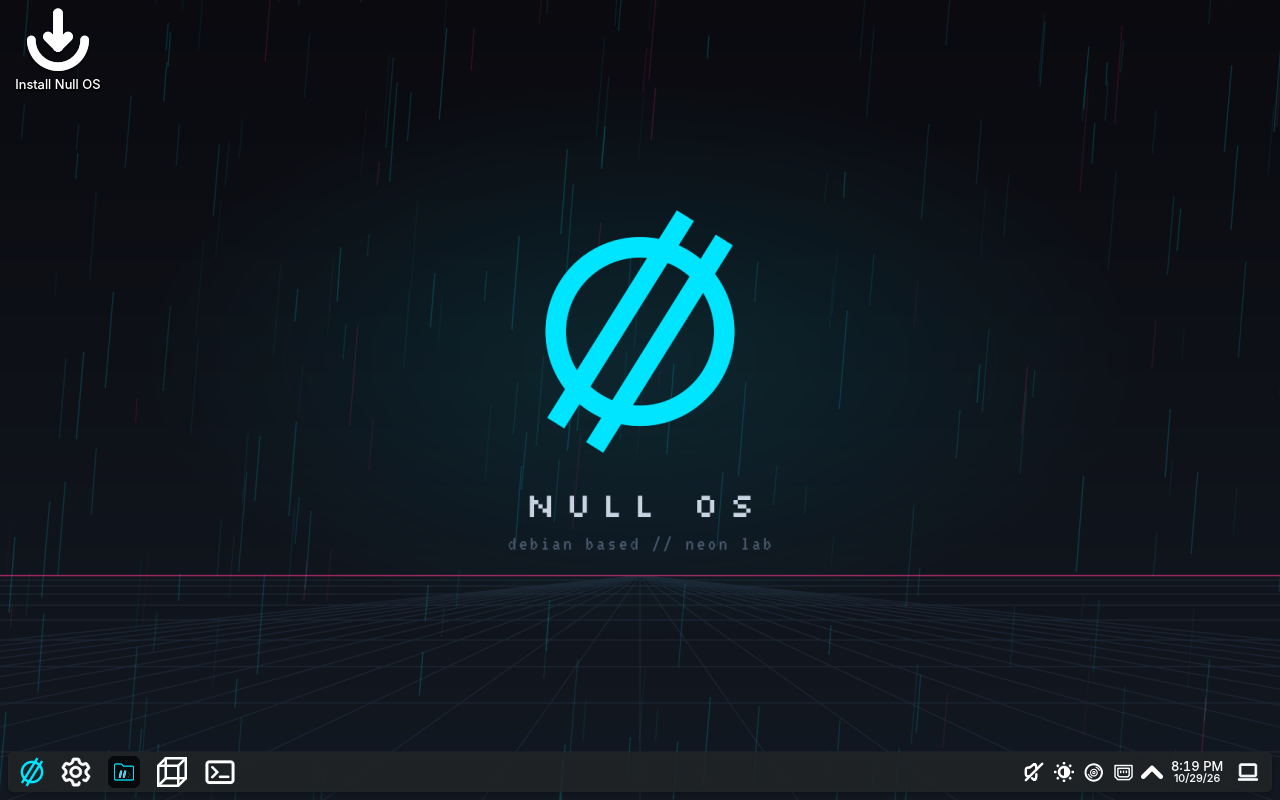
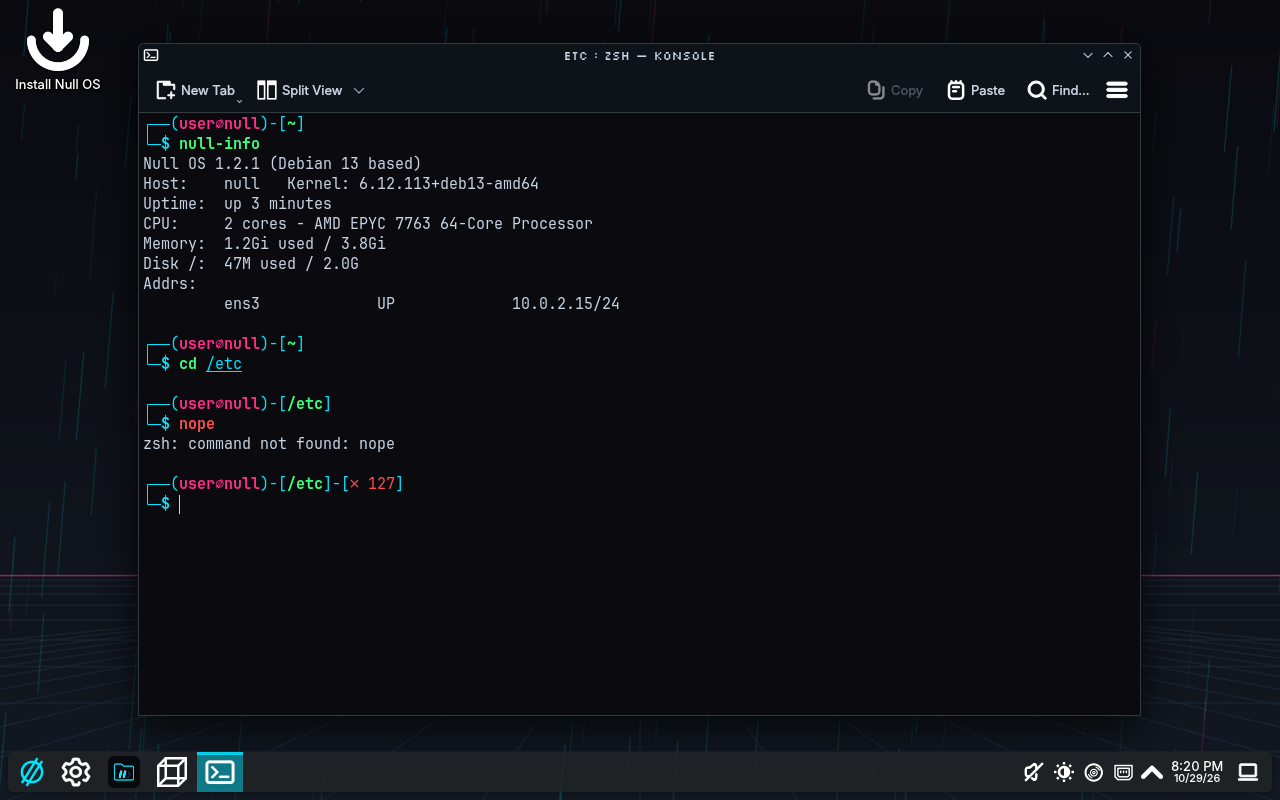
Debian and KDE, set up with Null Grid and Null File. Minimal or Full.
Minimal or Full is a choice in the installer, from the same 1.2.1 ISO. Full downloads during install, so it needs internet.
From the 1.2.1 build.
Debian 13 with KDE Plasma 6 in the Neon Lab look. One ISO: try it live, then install Minimal (the desktop, Null Grid and Null File) or Full (a network toolkit, homelab and dev tools, everyday apps and a firewall).
Homelabbers and network engineers who want a desktop that's ready to work. x64 PCs; ARM64 later.
Ships Null Grid and Null File. Null OS Extras adds Null Play and the rest of Full whenever you want.
Download the ISO, put it on a USB stick and boot from it. Try it live, then install Minimal or Full.
Live session login: user / live. Installed systems use the account you create in the installer.
One ISO for Minimal and Full. Boot it from a USB stick to try it live, then install it and pick Minimal or Full in the installer.
Save it next to the ISO, then check the download.
$ sha256sum -c nullos-1.2.1-trixie-amd64.iso.sha256Where to get the source of every package in this ISO.
Writes the ISO and keeps your files and settings between boots in the space left over. Replace /dev/sdX with your USB stick (check with lsblk).
$ git clone --depth 1 https://github.com/Null0Grid/null-os && \
sudo null-os/tools/make-usb.sh nullos-1.2.1-trixie-amd64.iso /dev/sdXA plain copy, without persistence. balenaEtcher or Rufus on Windows also work.
$ sudo dd if=nullos-1.2.1-trixie-amd64.iso of=/dev/sdX bs=4M status=progress conv=fsyncCheck a file before you run it: sha256sum <file> on Linux and macOS, Get-FileHash <file> in PowerShell.
| nullos-1.2.1-SOURCES.md | Source code list | bd14d5076f0b2bb2d88f4a10bdda295f2aefe4d3a85892ddc96e6e2fad468736 |
| nullos-1.2.1-trixie-amd64.iso | ISO image · x64 | c9cbb88e209b1c87bc8f49e02db88e3dc1dc94062a52740684d3e8133adc358a |
| nullos-1.2.1-trixie-amd64.iso.sha256 | Checksum file | 11476bba884d7c8c3d100a0ff57a1903aca8a22bcec3188f7286b94eb435f5e7 |